

idgard Sync:
Highly secure data access, right in
Windows Explorer.
idgard Sync integrates seamlessly with Windows Explorer, enables offline work, reduces storage load, and ensures that your data is consistently up to date across all your devices.
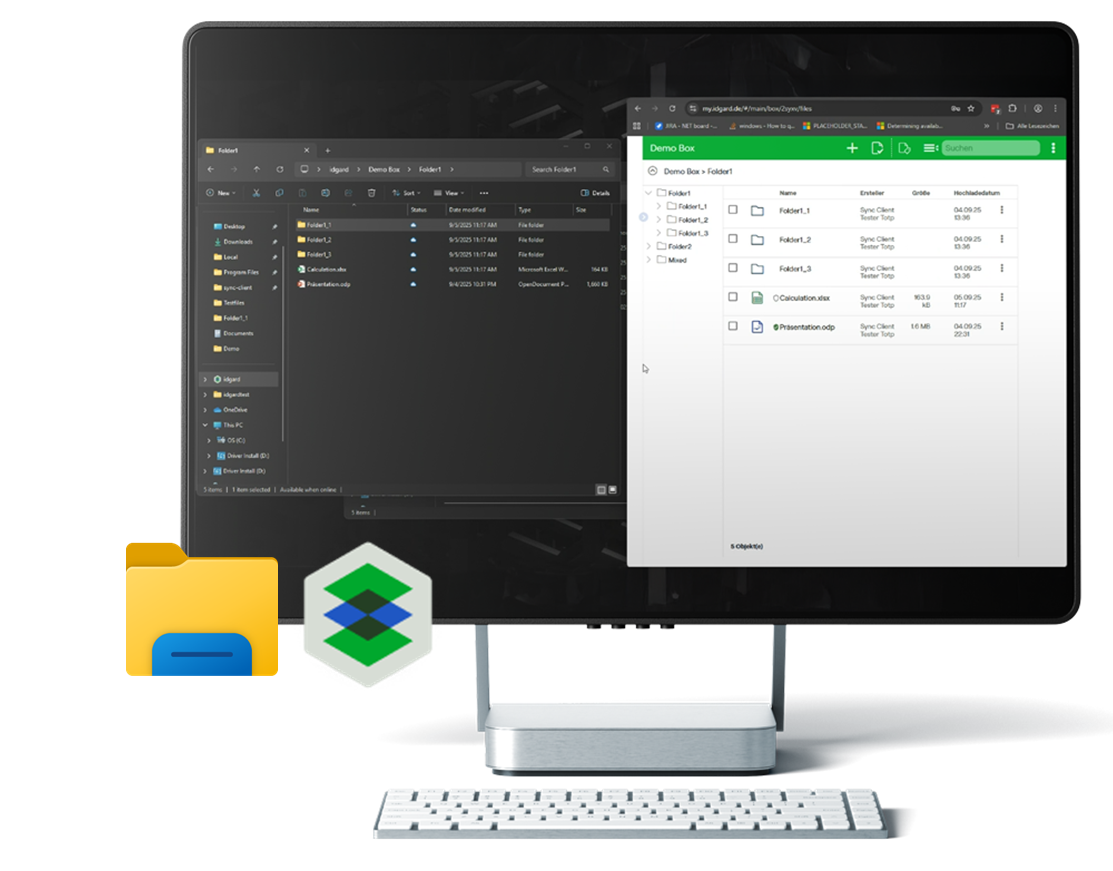
Work in your familiar environment. With the security of the idgard Sealed Cloud.
Modern collaboration requires cloud access – but security, user acceptance, and productivity often conflict. idgard Sync combines maximum security with the workflow users are familiar with.
No need to change your mindset. No new tools. No compromises.
idgard Sync integrates directly into Windows Explorer as an idgard drive. Open files with a double-click or via copy and paste – just like in your regular directories. No additional programs, no detours.
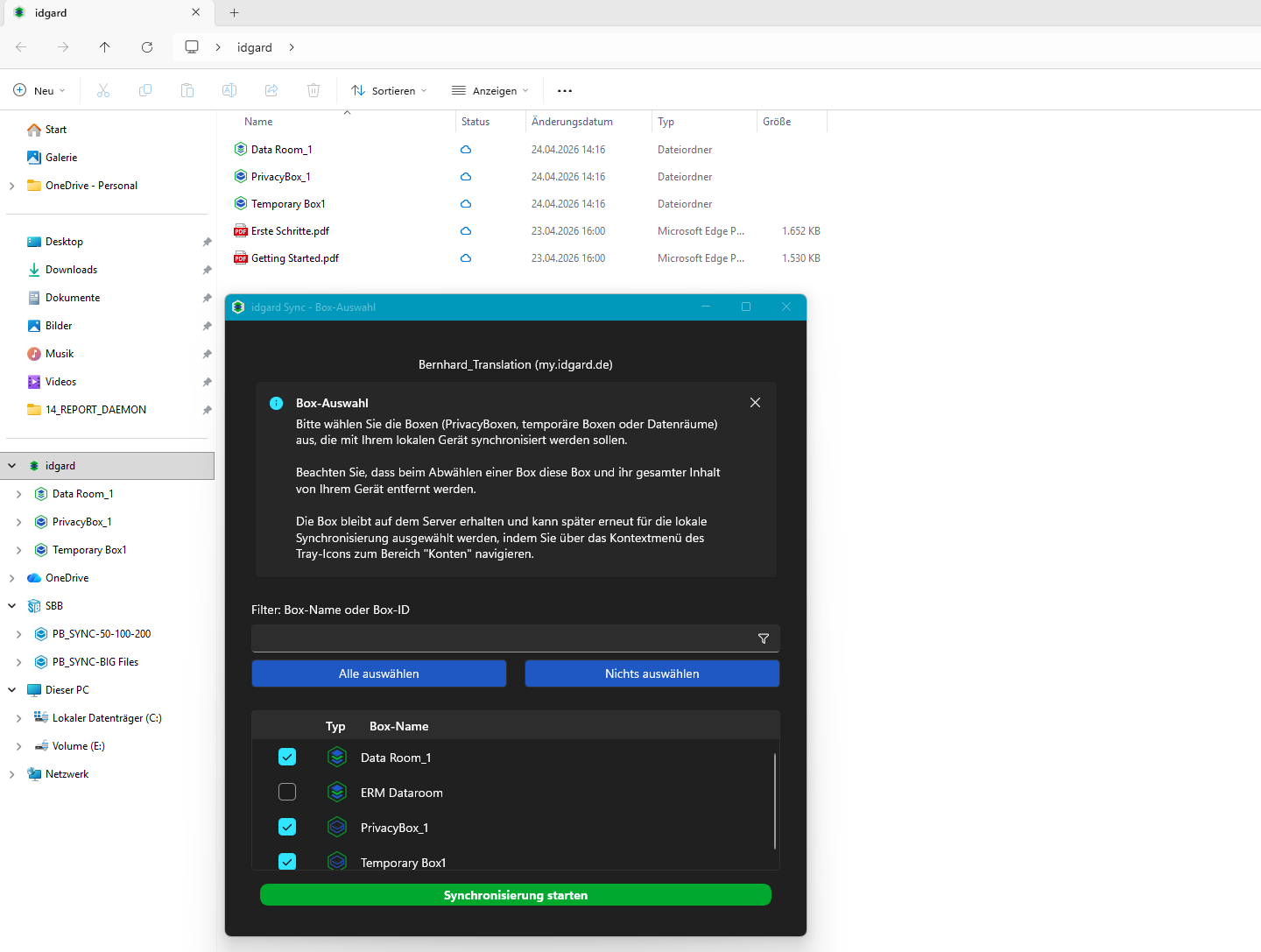
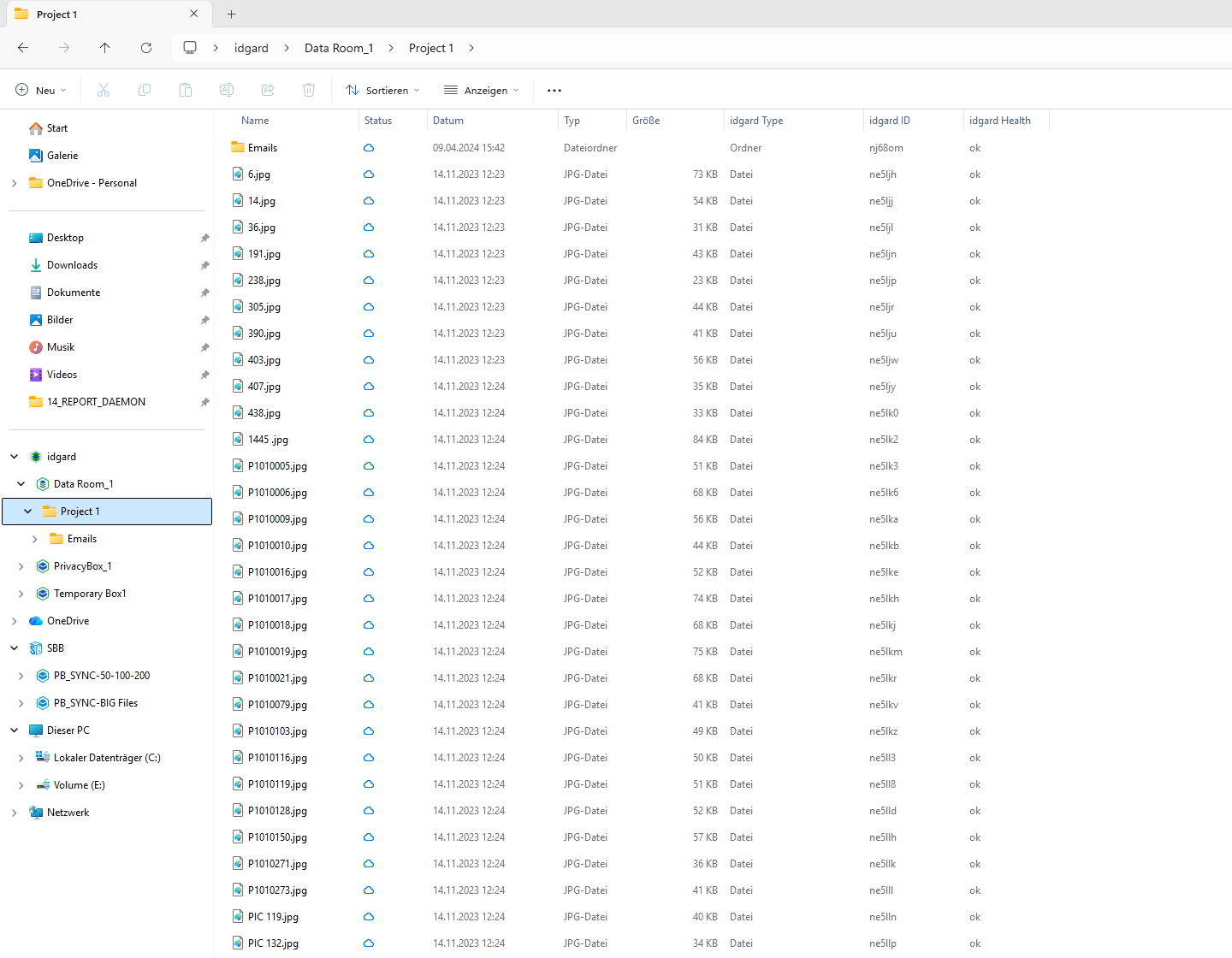

Seamless Windows integration

Your idgard folders appear as a drive in Windows Explorer. Double-click, drag and drop, copy and paste – everything works just as usual.
Works offline

Selected files are available even without an internet connection. As soon as you’re online, idgard Sync will sync all changes.
Security and compliance are guaranteed

idgard Sync transmits your data exclusively in encrypted form. The patented Sealed Cloud technology technically prevents unauthorized access – even by idgard as the operator.

Automatic synchronization
Changes are automatically synced with the idgard Cloud – bidirectionally, in real time.
Smart Up-/Download

You decide which content is stored locally. Everything else remains securely in the cloud. You have access rights to the data room.
Save storage space

You decide which content is stored locally. Everything else remains securely in the cloud. You have access rights to the data room.
How can I use idgard Sync?
Ready to get started and work safely? Let’s go. You can easily download it, install it, and access it in your Windows environment. Please contact your internal IT department for installation.
Where can I find instructions for idgard Sync?


What else might interest you?

idgard for Teams

idgard for Office